1. Tap the Download Button
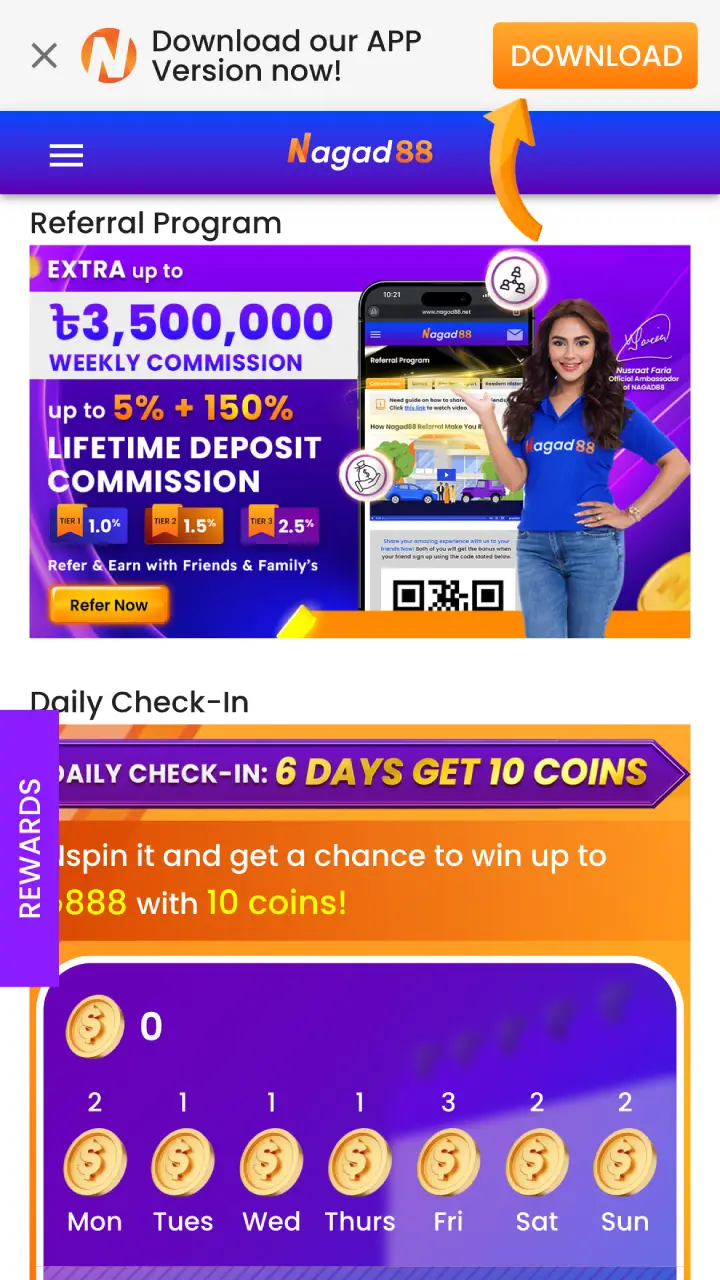
Open the official Nagad88 website in your phone’s browser. On Android it shows a bar with a Download button for the app. Tap it, or use the button below.
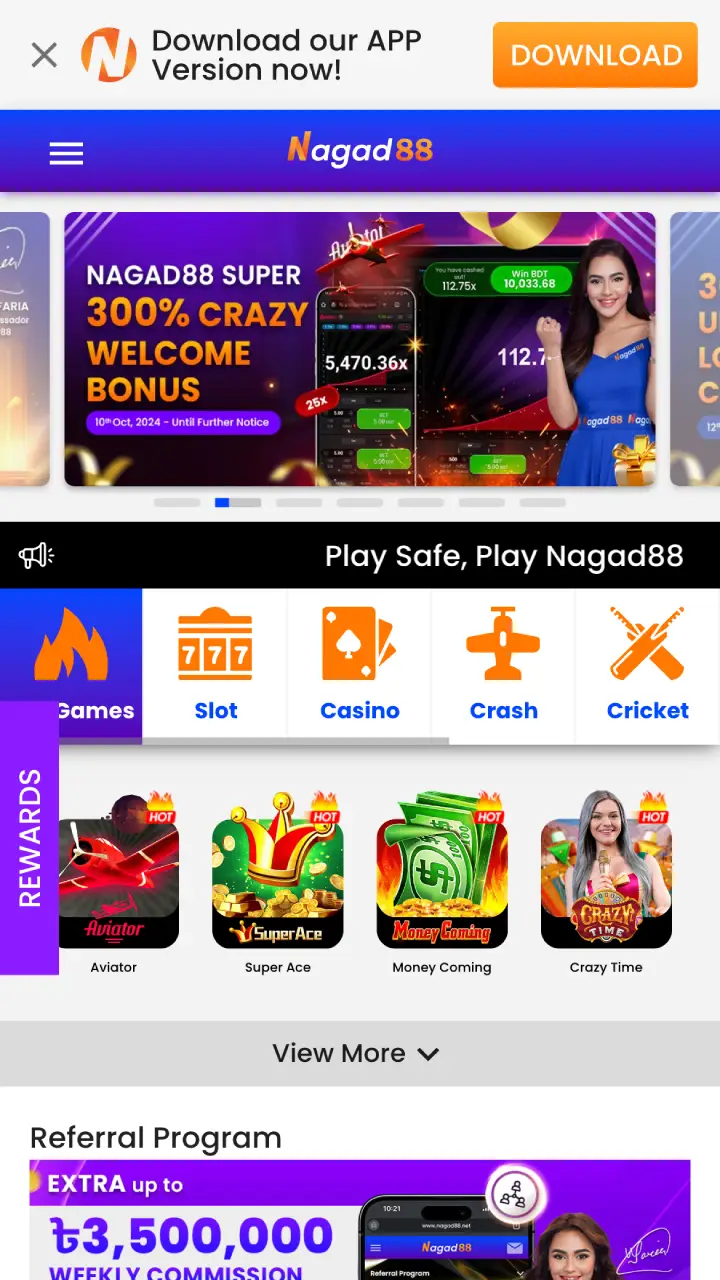
The Nagad88 app gives smartphone players the same games, betting markets and cashier as the Nagad88 website, plus a home screen icon and push notifications. On Android you install a full application from an APK file on the official site. On iOS (iPhone and iPad) there is nothing to download: Safari saves the site to the Home Screen as a web app (PWA). Nagad88 now operates under the name NG88, and the Nagad88 app and the iOS shortcut both work with your existing username and password.
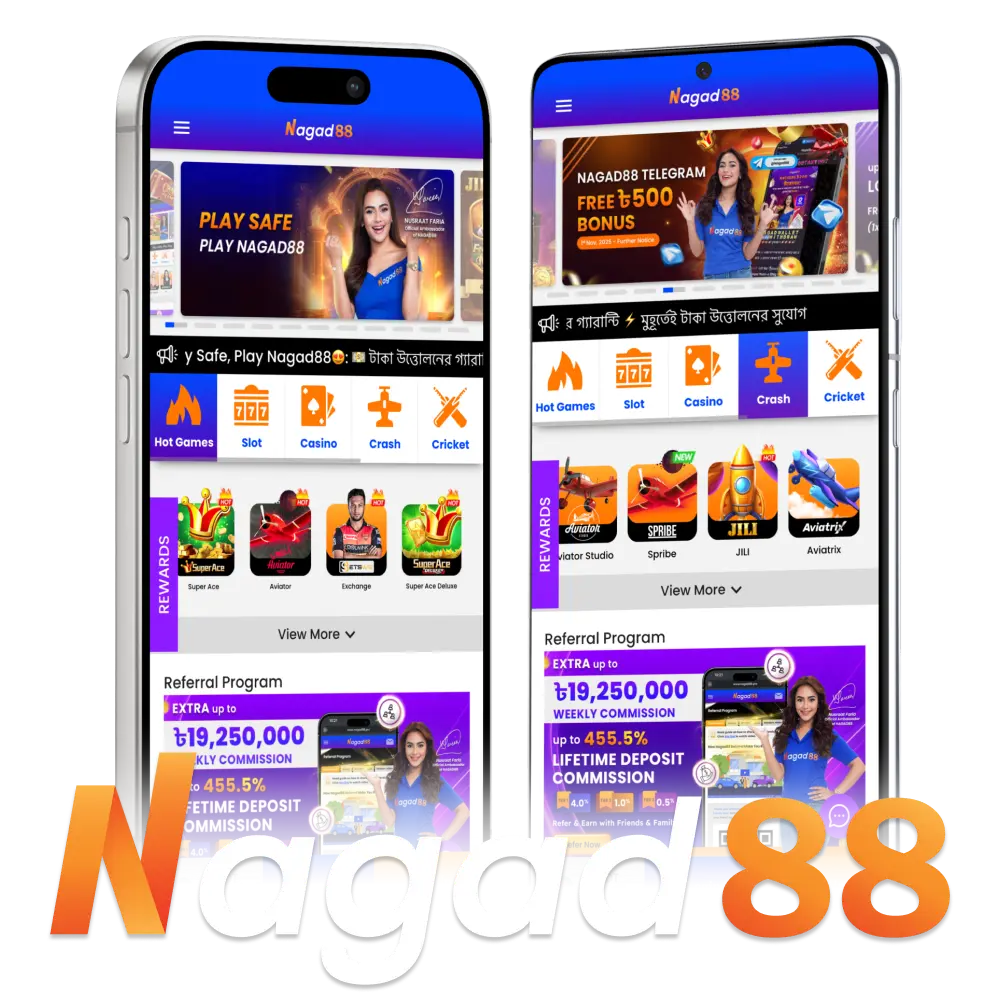
Nagad88 is an online casino and sportsbook for players in Bangladesh, with sports betting, casino games and live dealer tables in one account. The Nagad88 app puts all of it on your phone, together with the bonuses, BDT payments and round-the-clock live chat. The platform uses encryption to protect account and payment data. The main facts about the app:
| Feature | Details |
|---|---|
| License | Curaçao |
| Supported OS | Android (APK), iOS (Safari Home Screen shortcut) |
| Cost of Downloads | Free |
| App Languages | Bengali, English |
| Market | Bangladesh, accounts in BDT |
| Welcome Bonus for all Games | 100% Welcome Bonus up to ৳20,000 on the first deposit |
| Weekly Bonuses | 30% Weekly Reload up to ৳30,000, weekly loss rebate of up to 30% |
| Sports Betting | 30+ sports, pre-match and live, plus a cricket exchange |
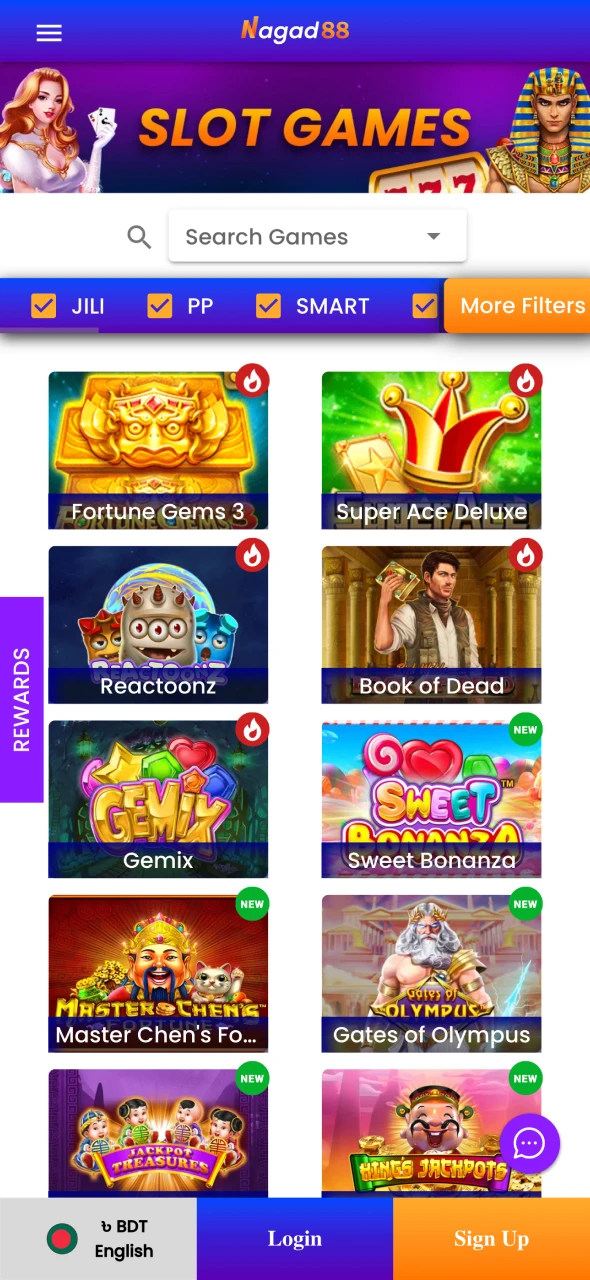
| Nagad88 Casino Application Games | Slots, live casino, crash games, table games, fishing games |
| Customer Support Service | 24/7 live chat, Telegram, e-mail |
The app shows the same sections as the website menu: Slots, Live Casino, Crash, Cricket, Table Games, Fishing and Sports, plus the Promotion page and the VIP area. You can switch the language between Bengali and English at any time. The cashier is one tap from your balance, with deposits through bKash, Nagad, Rocket, Upay and USDT.
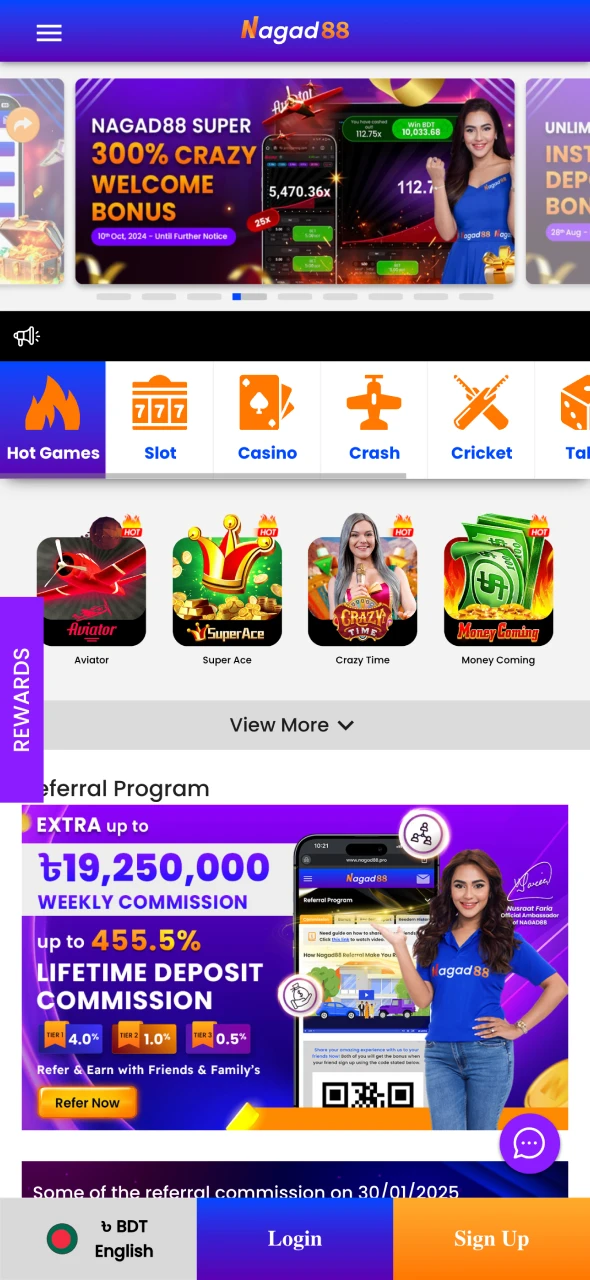
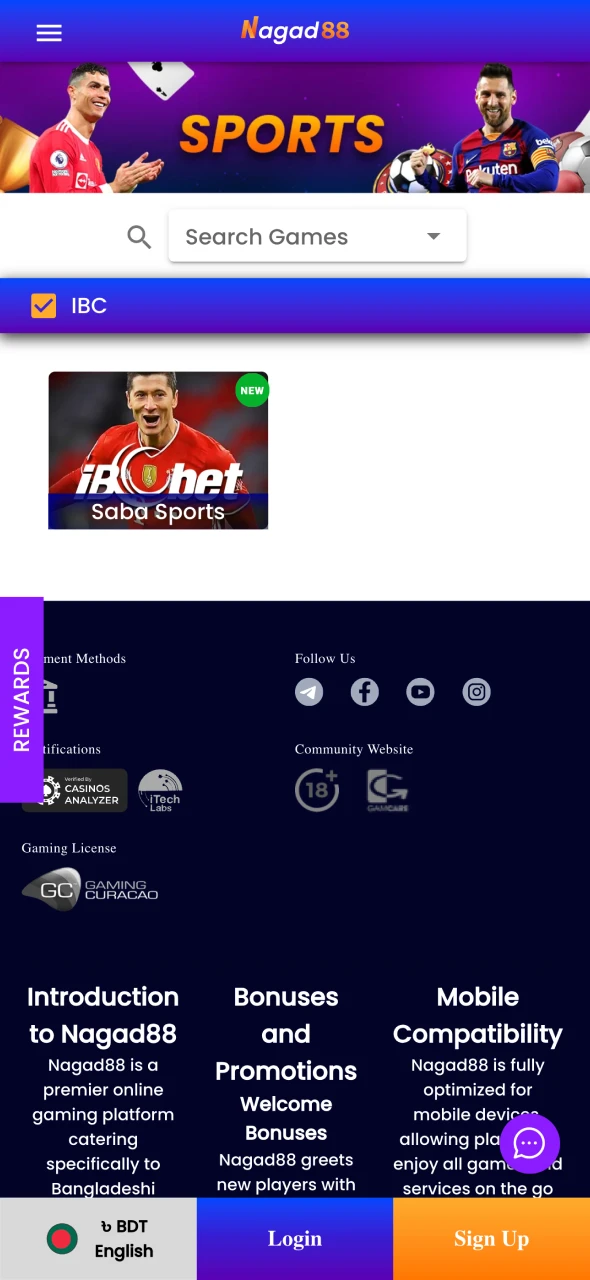
The Android version of Nagad88 comes as an APK file, distributed only through the official Nagad88 website. That also makes the real file easy to recognise: on an Android phone the official site shows a download bar with a Download button, and the file still carries the Nagad88 name. Copies on APK portals, file-sharing links or in chat groups do not come from the operator and may be outdated or modified to steal logins. Nagad88 itself warns players never to share login details, payment receipts or OTP codes.
| Feature | Details |
|---|---|
| App Title | Nagad88 |
| Platform | Android 5.0 or later |
| File Type | APK |
| File Size | About 6.5 MB |
| Cost | Free |
| Download Link | Download Nagad88 App |
| Where to Get It | Official Nagad88 website only |
To download Nagad88 on Android, you need a phone or tablet with Android 5.0 or later and a stable connection.
Open the official Nagad88 website in your phone’s browser. On Android it shows a bar with a Download button for the app. Tap it, or use the button below.
The APK file starts downloading. If Android asks, allow your browser to install unknown apps and wait for the download to finish.
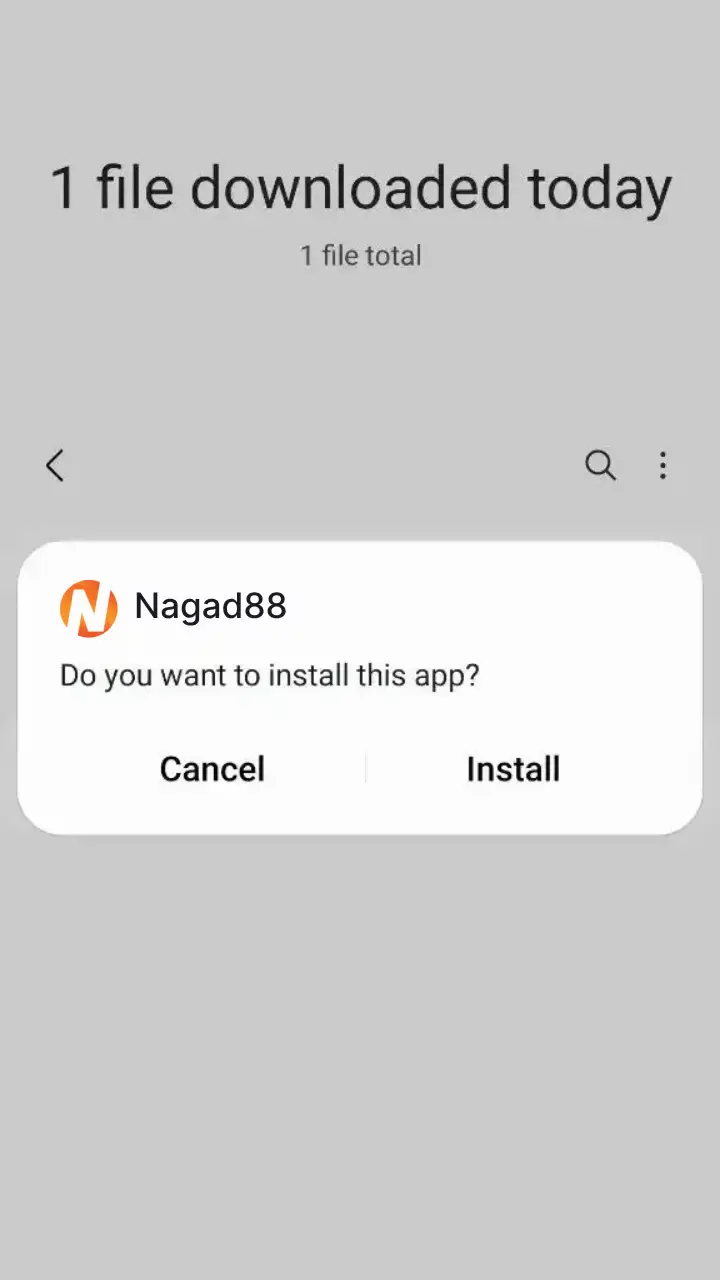
Open the file from the notification bar or the Downloads folder and tap Install. Then launch the app and log in or sign up.
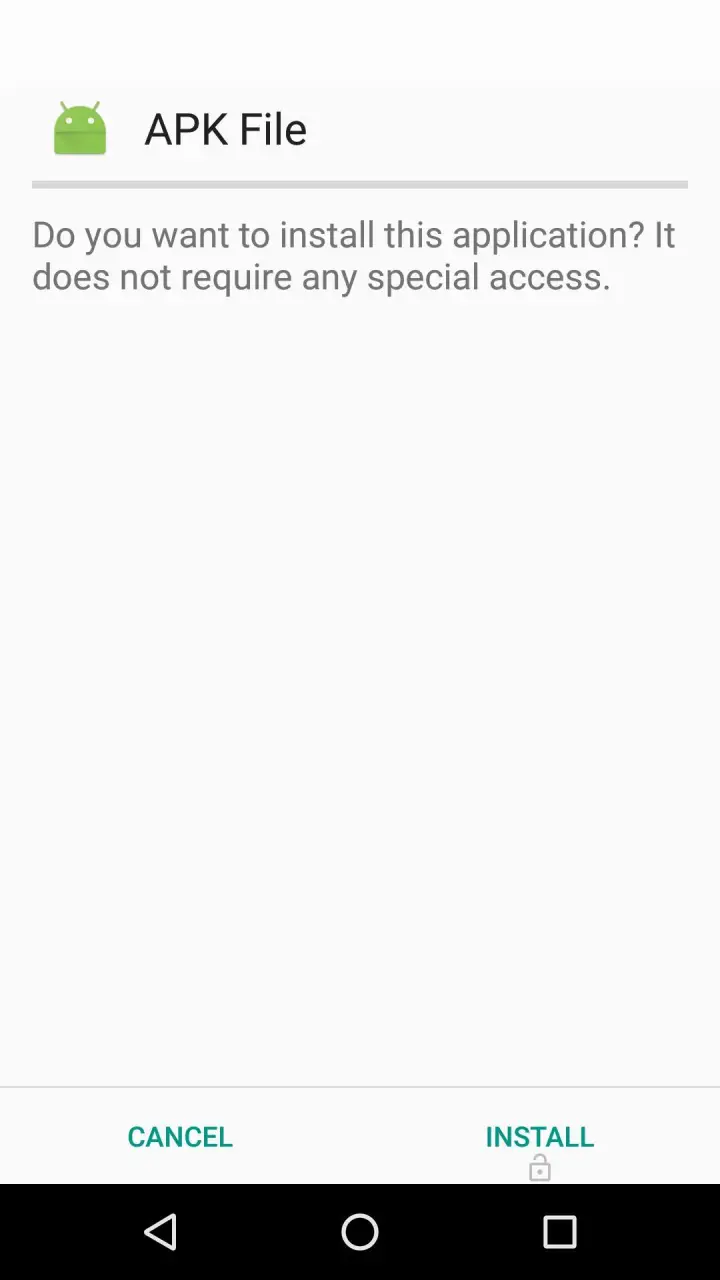
Nagad88 names one requirement for the APK: Android 5.0 or later, which most phones and tablets in use today meet.
| System Requirements | Details |
|---|---|
| Operating System | Android 5.0 or later |
| Storage Space | A little more than the APK size (about 6.5 MB) |
| Permission | Install unknown apps (for your browser) |
There is no Nagad88 iOS app in the App Store. On iOS the casino runs in Safari, and the site itself offers to save a shortcut to your Home Screen. After that, the icon opens the site directly, with the same casino games, live tables, sports betting and cashier as on Android. Because the shortcut loads the live site, it never needs updating and takes up almost no space.
| Feature | Details |
|---|---|
| App Title | Nagad88 |
| Format | iOS Safari Home Screen shortcut (PWA) |
| Where to Open | Nagad88 mobile site |
| Browser | Safari (in-app browsers cannot save the shortcut) |
| Download Size | Nothing to install |
| Cost | Free |
| Updates | Automatic, the shortcut always opens the current site |
The shortcut works on any iOS device with Safari. Once it is set up, the Nagad88 icon sits on your Home Screen next to your other apps and opens your account in one tap.
Tap the button below or open the official Nagad88 website in Safari. If you followed a link inside Facebook, Telegram or another app, open the page in Safari first, because in-app browsers cannot save Home Screen shortcuts.
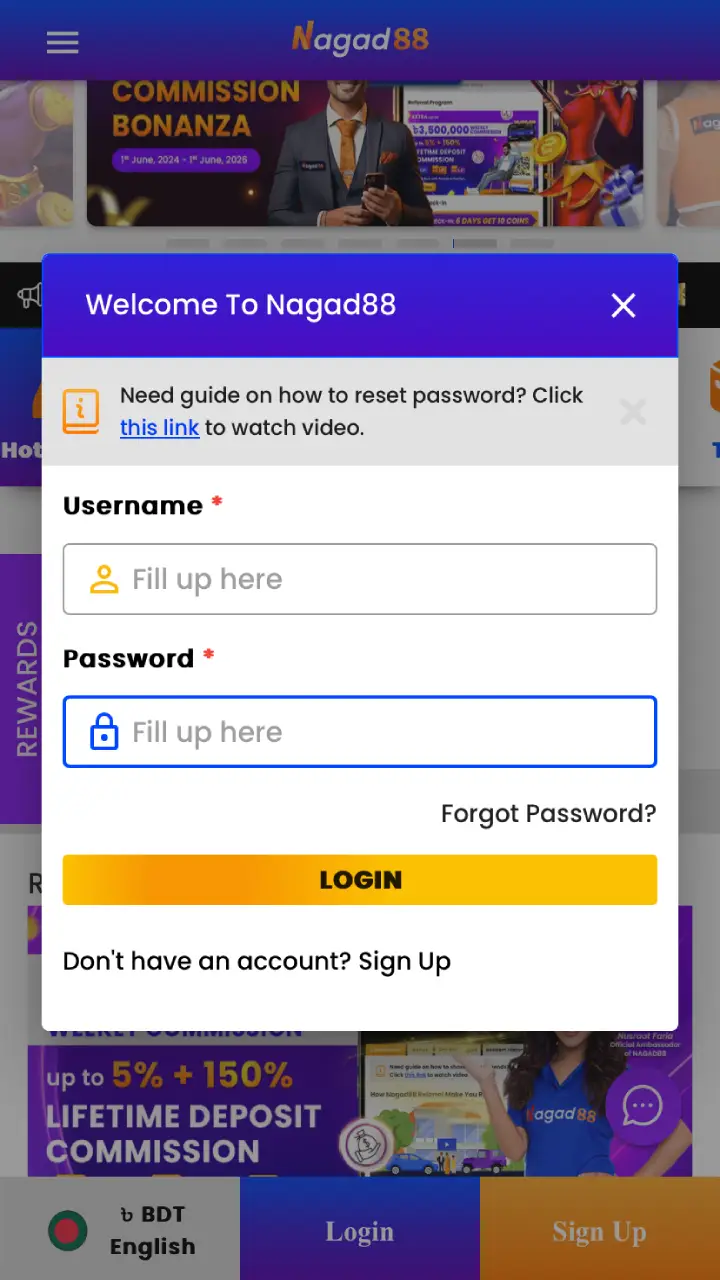
Log in to your Nagad88 account. If you don’t have one yet, complete the quick registration first.
Tap the Share button in Safari’s toolbar (the square with an arrow pointing up).
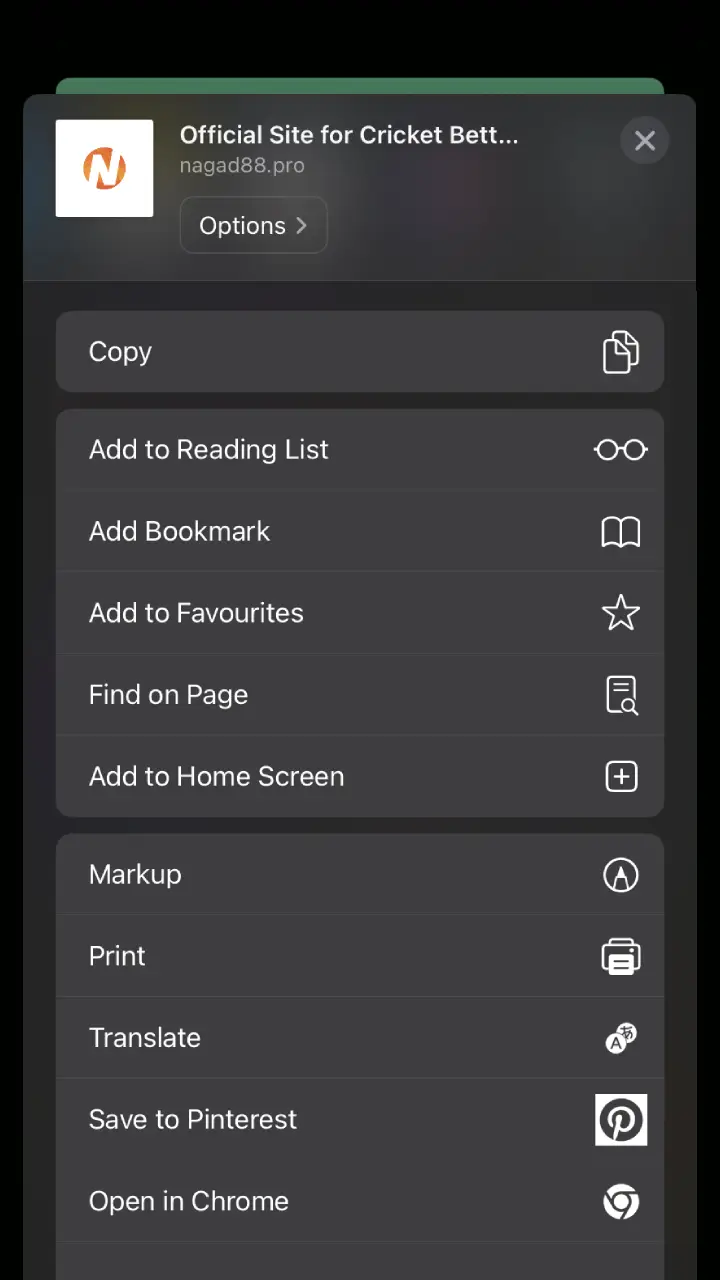
Scroll the share menu, choose Add to Home Screen, then confirm by tapping Add.
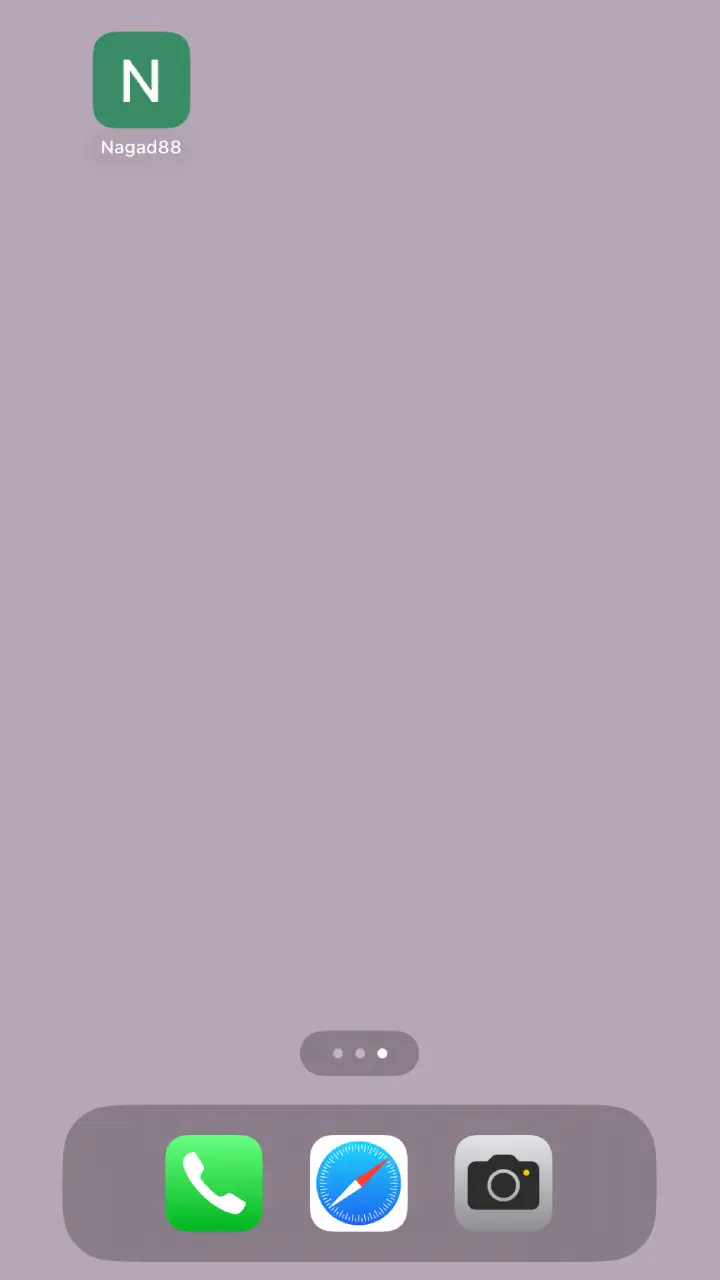
The new icon opens your Nagad88 account straight from your Home Screen, with your balance, bets and bonuses in place.
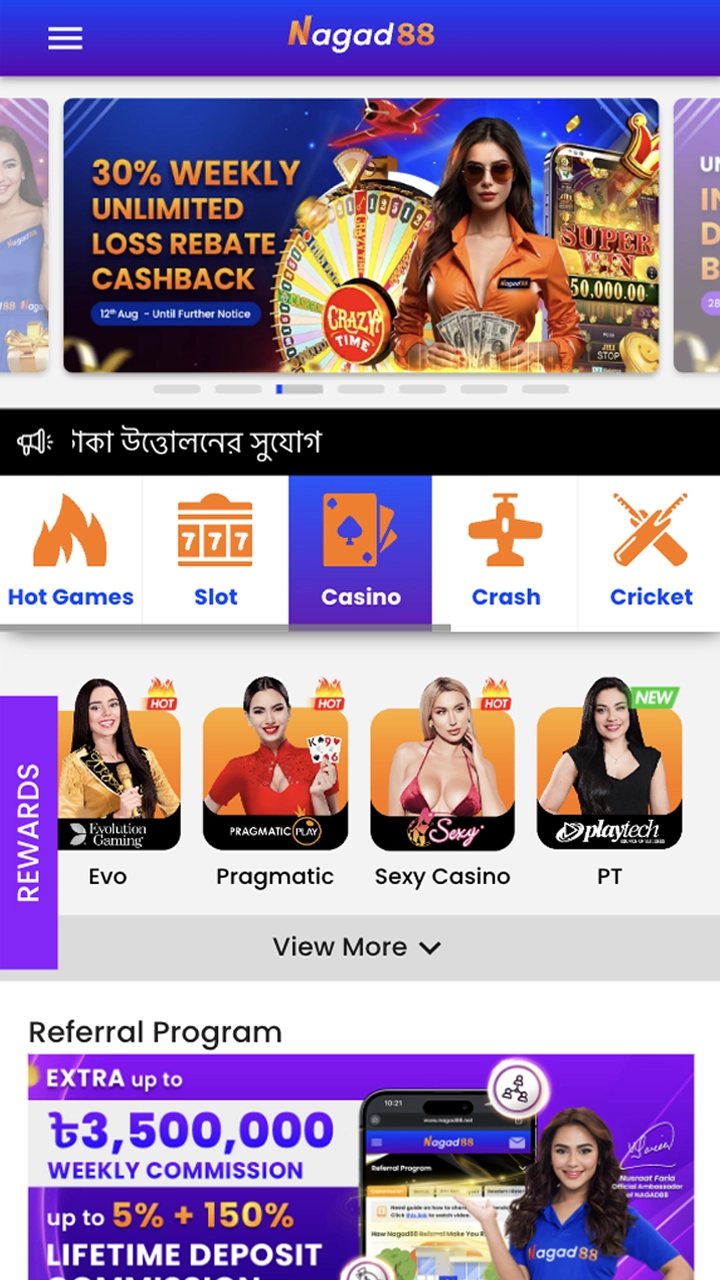
The iOS version has no install file, so there is no minimum iOS version, RAM or storage figure to check. Only the Home Screen shortcut needs Safari.
| What You Need | Details |
|---|---|
| Device | iPhone or iPad with iOS |
| Browser | Safari |
| Internet | Mobile data or Wi-Fi |
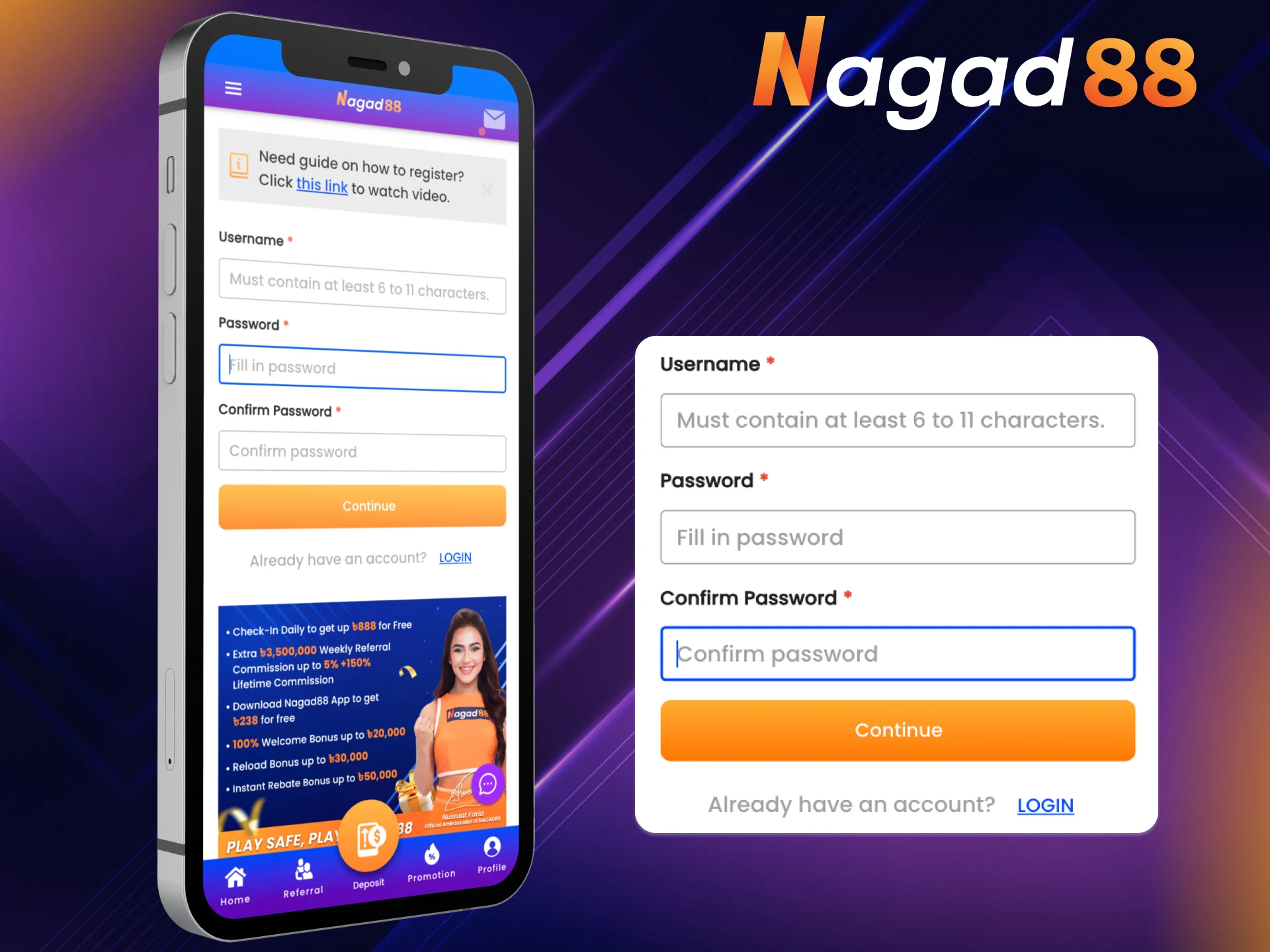
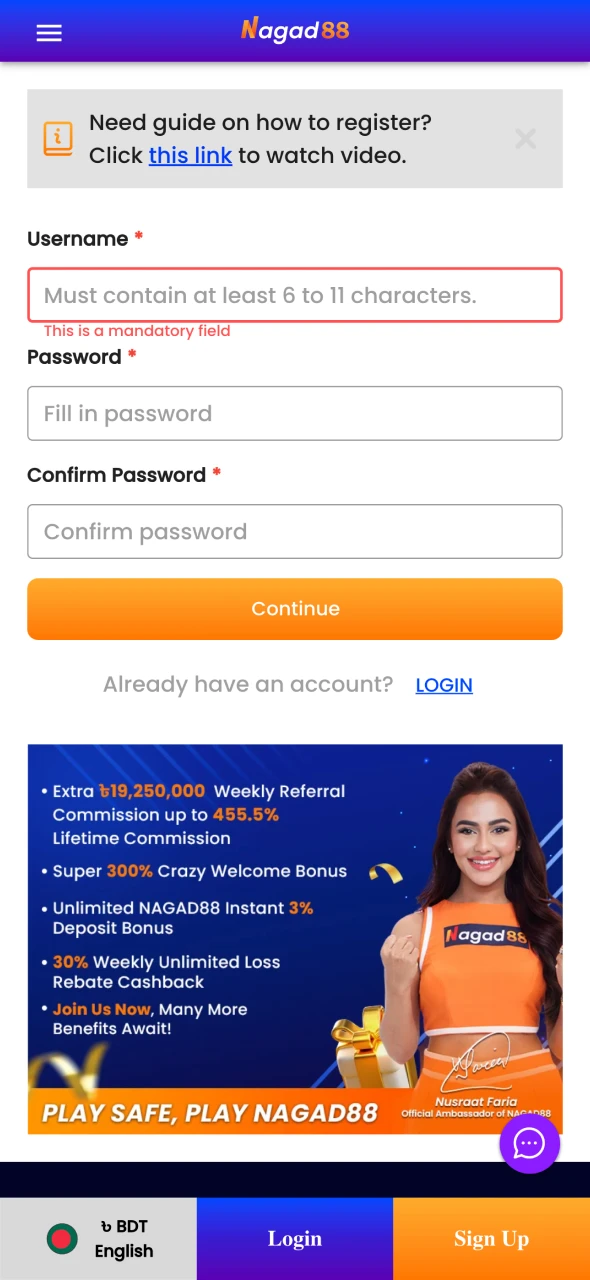
New players can open an account straight from the app. Registration has two short steps and works the same on Android and on the iOS shortcut:
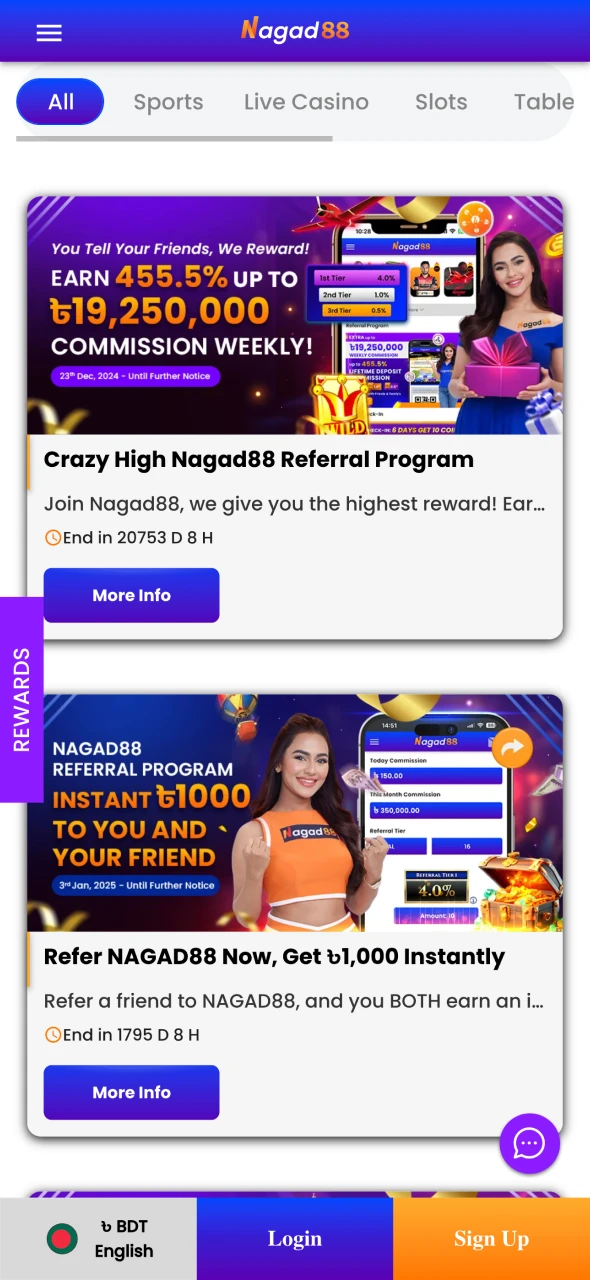
The app shows the same Promotion page as the website, with the full list of Nagad88 bonuses and promotions and no separate app-only offer. Current deals include the 30% Weekly Reload Bonus, the 30% Weekly Unlimited Loss Rebate, Friday Lucky Slot Day and the VIP Deposit Bonus. You claim a deposit bonus by picking it in the Promotion drop-down when you top up.
Your first deposit is matched 100%, up to ৳20,000, and the bonus works for sports and casino games. Two rules catch people out: the turnover is x18 of deposit plus bonus, and some games and bets do not count. The terms and conditions also allow one offer per person, household and IP address.
| Term | Details |
|---|---|
| Bonus Type | 100% Welcome Bonus (All Games), new members only |
| Amount | 100% of the first deposit, up to ৳20,000 |
| Minimum Deposit | ৳500 |
| Turnover | x18 of deposit + bonus (for example, ৳500 + ৳500 means ৳18,000 in bets) |
| Validity Period | 30 days from issue |
| Eligible Games | All games except BetSwiz, 9Wickets and NG88 Originals |
| Not Counted | Bets at odds below 1.5 and non-live table games; roulette counts at 1/4 |
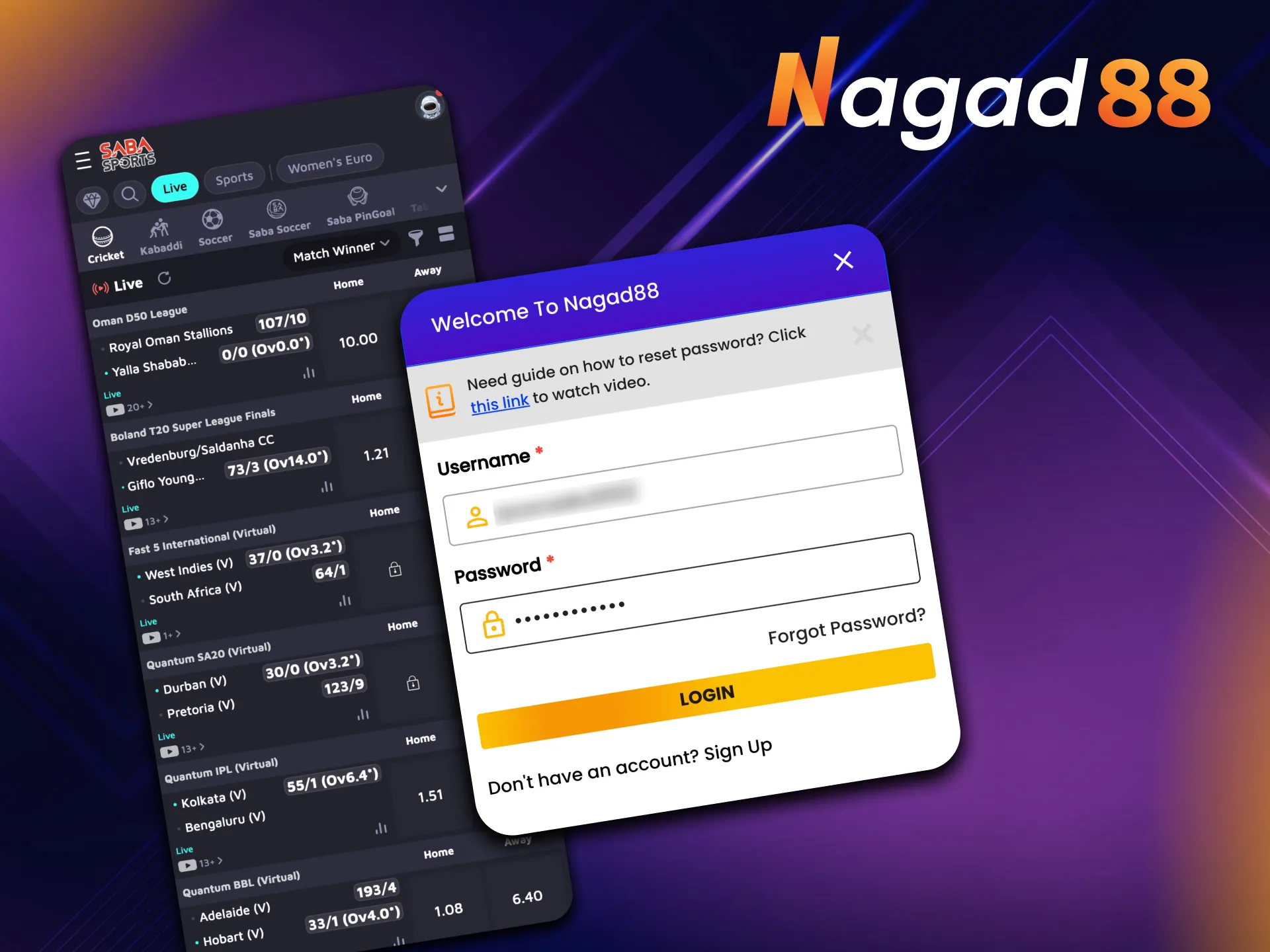
Sports betting in the app works exactly as on the website. Cricket draws the most interest in Bangladesh and has its own tab with BetSwiz Exchange and 9Wickets, while the Sports tab (Saba Sports) covers 30+ sports, from football to kabaddi. To bet for real money:
When the bet is settled, any winnings go to your balance automatically.
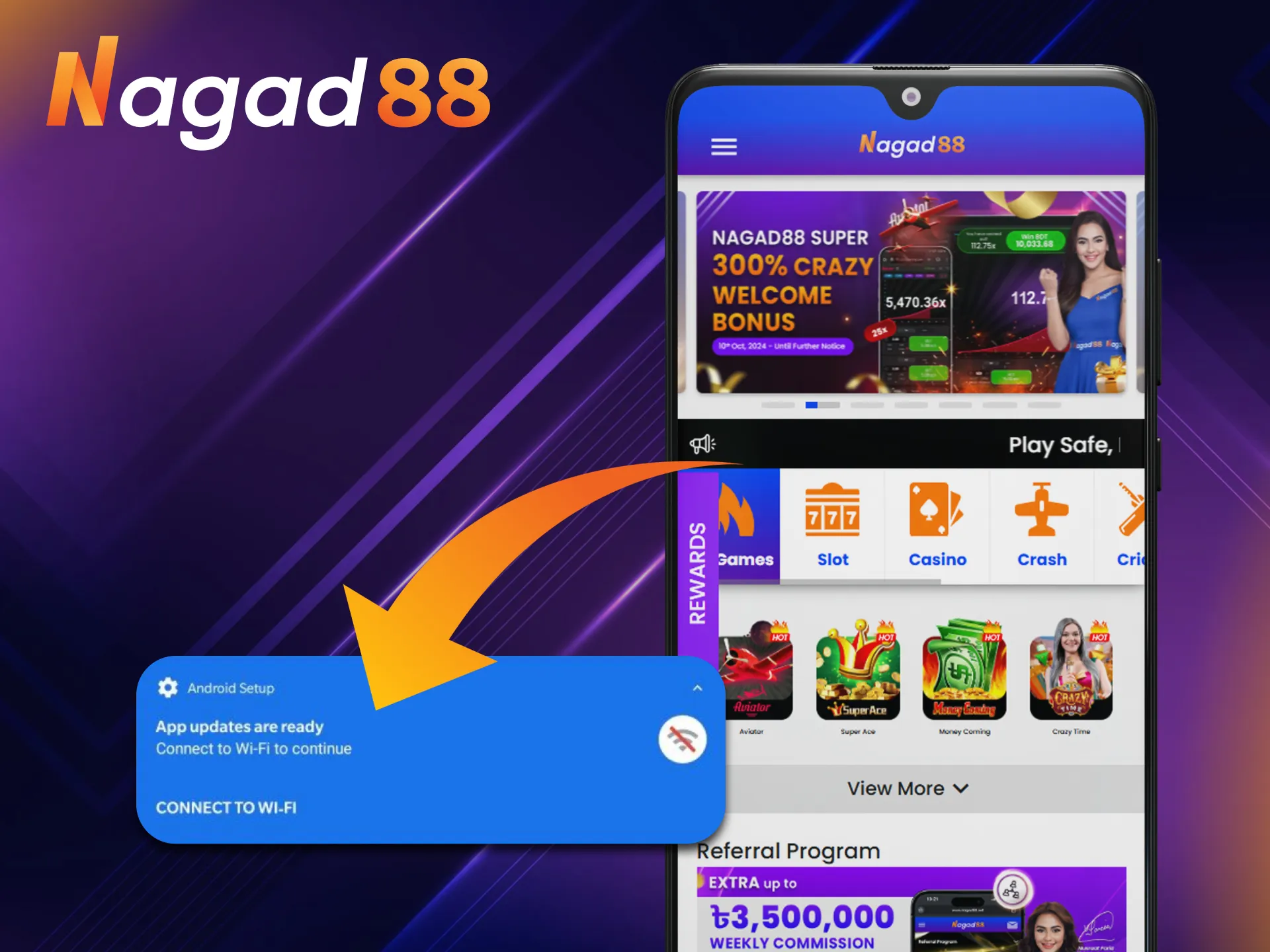
New builds bring fixes and security improvements, so it is worth updating now and then. To get the newest version, download the APK again from the official website and install it over the old one. Android treats this as an update. Your account, balance and bet history stay as they are, because they are stored on the casino’s side and not on the phone. If the installer refuses, delete the old app first and then install the new file. The iOS shortcut never needs an update, since it always opens the current site.
Compared with typing the address into a browser each time, the app gives you a few practical advantages:
Open slots, live tables or the sportsbook in one tap from your home screen.
The welcome bonus, weekly reload, loss rebate and VIP rewards all work in the app.
Deposit and withdraw in BDT with bKash, Nagad, Rocket, Upay or USDT straight from the app.

Menus and buttons are sized for a phone screen, and the language switches between Bengali and English.
Push notifications tell you about new promotions and big matches.
Most installs go through on the first try. When one gets stuck or Android refuses the file without saying why, the cause is usually on this list:
| Problem | Solution |
|---|---|
| Phone Too Old? (Device Incompatibility) | The APK needs Android 5.0 or later. Check your version in Settings, About phone, and update the system if you can. If you can’t, use the mobile site in your browser. |
| Wi-Fi Keeps Dropping, or Mobile Data Crawls | An interrupted download leaves a broken file. Move to a steady network (a router restart often helps on Wi-Fi) and download the APK again. |
| “There Was a Problem Parsing the Package” | The file is incomplete or the Android version is too old. Delete the file, download it again from the official site and check that your phone runs Android 5.0 or later. |
| “Not Enough Space” Pop-Up | Delete a couple of unused apps or move old photos to the cloud, then run the installer again. |
| Warning from Play Protect or Antivirus | Android warns about any app from outside Google Play. If the file came from the official Nagad88 website, you can choose to install it anyway. Never do that for an APK from another source. |
| No Nagad88 App in the App Store | There is no App Store version. On iOS, open the site in Safari and add it to your Home Screen. |
| No “Add to Home Screen” Option | You are probably in an in-app browser (Facebook, Telegram and similar). Open the page in Safari and try again. |
Install the latest APK from the official website. If Android won’t put it over the old version, uninstall the old app first; your account and balance stay. On iOS there is nothing to update.
Install the APK on Android or add the Safari shortcut on iOS, then log in or register. Verify your phone number, make a deposit, and you can start betting and playing.
No separate registration is needed. Log in with the username and password you use on the website; accounts opened before the rename from Nagad88 to NG88 keep the same login.
Nagad88 shows a Curaçao gaming license on its website and accepts only players aged 18 and over. Its terms say each player must be legally eligible to gamble in Bangladesh, so checking the local rules is up to you.
Better not. The operator distributes the APK only through its official website, and files on APK portals or in chat groups may be old builds or modified copies.
No. On iOS devices you add the site to the Home Screen from Safari (Share, Add to Home Screen, Add), and the shortcut opens the casino like an app.
Updated: